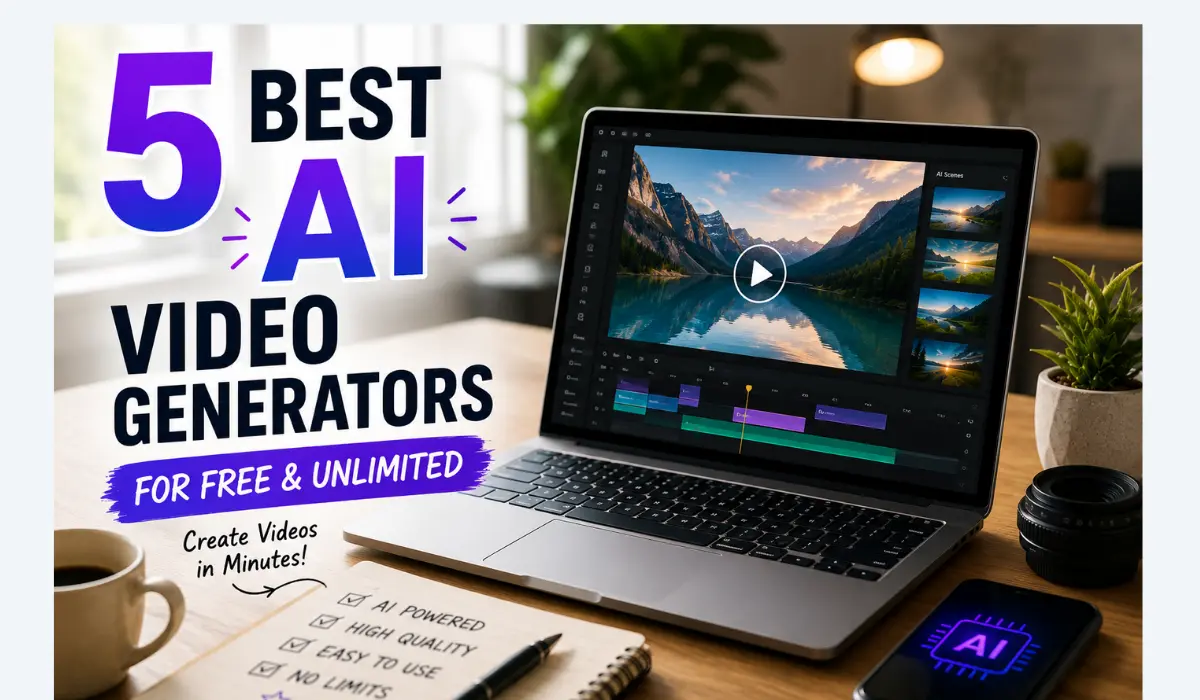
5 Best AI Video Generators for Free & Unlimited in 2026
You don’t need a production budget to make a decent video anymore. In 2026, the gap between free and paid AI video tools has narrowed enough that a lot of creators — YouTubers testing concepts, small business owners making product teasers, students building portfolio reels — can get real, usable clips without spending a rupee.
But “free” and “unlimited” get thrown around loosely in this space. One tool’s “unlimited” means unlimited forever, on your own hardware. Another’s means unlimited until they change the pricing page next quarter — which has actually happened to more than one popular tool this year. So before you commit an afternoon to learning a new interface, it’s worth knowing exactly what you’re getting.
We tested and compared the current AI video landscape against real free-tier terms, not just marketing pages, and narrowed it down to the five tools genuinely worth your time in 2026.
Quick answer: If you want the single most generous daily free allowance, Kling AI currently leads with around 66 credits a day. If output quality matters more than volume, Google’s Veo 3 (via AI Studio) produces the most cinematic results with no visible watermark. And if you want something truly unlimited with zero strings attached, Genmo’s Mochi 1 is open-source and free to run locally, forever.
Key Takeaways
- No tool is unlimited by default — except open-source models you run yourself. Every cloud-based “free” tool metes out access through daily credits, monthly caps, or watermarks.
- Free tiers change fast. Several tools that launched “unlimited” in 2025 had shifted to metered daily credits within months. Treat any free-tier number as a snapshot, not a promise.
- Quality and volume are usually a trade-off. The most generous free credit tools (Kling) aren’t always the most cinematic (Veo). Pick based on what the video is actually for.
- Watermarks are the hidden cost of “free.” If your video is going on a client deck or a monetized channel, check for a watermark before you get attached to a tool.
What “Free” and “Unlimited” Really Mean for AI Video
AI video generation is expensive to run — every clip needs real computing power, not just a clever algorithm. So when a platform says “free,” it’s usually subsidizing that cost in one of three ways: a daily or monthly credit limit, a watermark that nudges you toward upgrading, or a lower resolution / shorter clip length than the paid tier.
“Unlimited” is the trickiest word in this category. A handful of tools genuinely mean it — but almost always because you’re running the model on your own computer, not their servers. Cloud-hosted “unlimited” free tiers are rare, and the ones that exist today may not exist in six months. Keep that in mind before you build a whole workflow around any single free tool.
Quick Comparison Table
| Tool | Free Tier | Watermark | Max Clip Length | Best For |
|---|---|---|---|---|
| Kling AI | 66 credits/day (refreshes daily) | No | Up to ~10s per generation | Most generous daily free credits |
| Google Veo 3 (AI Studio) | Daily free quota | No on-frame watermark | Varies by quota | Best free video quality overall |
| Hailuo AI (MiniMax) | ~3–5 generations/day | No | Short clips | Most photorealistic free human subjects |
| Genmo Mochi 1 | Unlimited (self-hosted, Apache 2.0) | No | 5–6 seconds at 480p | True unlimited generation, full commercial rights |
| CapCut AI Video | Unlimited basic generation | Yes (free export) | Short clips | All-in-one generation + editing for social content |
Free-tier terms in AI video change frequently — confirm current limits on each provider’s site before relying on them for time-sensitive or commercial work.
The 5 Best Free AI Video Generators (Ranked)
1. Kling AI — Most Generous Daily Free Credits
If your priority is simply making as many clips as possible without paying, Kling AI currently offers the best deal in the free tier. It hands out around 66 credits every day, which reset on a daily cycle — enough for several short generations without waiting on a monthly reset.
Kling handles both text-to-video and image-to-video, and it’s particularly strong with motion-heavy content — dance clips, action sequences, anything where movement needs to look physically believable. The catch is speed: free-tier generations queue behind paid users, so expect longer waits during peak hours, especially evenings in North America and Europe.
Pros: Most generous daily free allowance; strong motion quality; no watermark on free output. Cons: Free-tier queue times can stretch to 10–30 minutes at peak hours; paid tiers unlock 4K and faster processing. Best for: Creators who generate frequently and can tolerate some queue time in exchange for volume.
2. Google Veo 3 (via AI Studio) — Best Free Video Quality
Veo 3’s free tier is one of those tools that doesn’t get talked about as much as it should. Run through Google AI Studio, it produces some of the most cinematic output of any free tool available right now — natural motion, coherent lighting, and physics that actually look right, rather than the uncanny warping you still see in a lot of AI video.
There’s a daily free quota rather than a hard monthly wall, and — unlike most competitors — there’s no visible on-frame watermark, just Google’s branding tucked into the file metadata. That makes it genuinely usable for content you intend to publish, not just test.
Pros: Best-in-class free video quality; no on-frame watermark; strong lighting and physics accuracy. Cons: Daily quota still applies; less intuitive interface for beginners than dedicated video-first platforms. Best for: Anyone who wants the most polished, publish-ready free output and doesn’t mind a slightly technical interface.
3. Hailuo AI (MiniMax) — Best for Photorealistic People
Getting AI-generated humans to look believable is one of the hardest problems in this space — faces drift, expressions glitch, movement looks stiff. Hailuo AI has built a reputation specifically around getting this right, which is why it’s the go-to free option whenever a project needs realistic-looking people rather than landscapes or abstract motion.
Hailuo’s free tier has tightened over time. It launched with unlimited generation, but by early 2026 that had shifted to roughly 3–5 generations per day with daily resets — still workable for regular use, just no longer the free-for-all it once was.
Pros: Most photorealistic free human subjects available; fast generation speed even on the free tier. Cons: Daily generation cap is tighter than Kling’s; short clip lengths on free plan. Best for: Talking-head content, character-driven clips, or anything where realistic people are the focus.
4. Genmo Mochi 1 — Genuinely Unlimited, Open-Source
This is the one tool on the list that actually earns the word “unlimited” without an asterisk. Mochi 1 is an open-source video model released under the Apache 2.0 license, which means you can download it and run it on your own hardware with no daily cap, no subscription, and full commercial usage rights — a real rarity in this category.
The trade-off is what you’d expect from anything self-hosted: you need a capable GPU, some technical comfort with local AI tools, and patience with output that currently trails closed-source leaders like Runway or Kling on longer clips and top-end fidelity. Generated clips run 5–6 seconds at 480p, which is fine for prototyping and short social content but not for polished long-form work.
Pros: Truly unlimited, forever; no watermark; Apache 2.0 license permits commercial use without restriction; no recurring cost. Cons: Requires a capable GPU and local setup; shorter, lower-resolution clips than hosted competitors. Best for: Developers, researchers, and technically comfortable creators who want to eliminate free-tier limits permanently.
5. CapCut AI Video — Best for Generation Plus Editing in One Place
CapCut takes a different approach from the other four: instead of being a pure video generator, it bundles AI generation with a complete video editor, so you can create a clip from a text prompt and immediately trim, caption, and export it without switching tools. For anyone making short-form content for TikTok or Instagram Reels, that workflow saves real time.
The AI generation quality itself is a step behind dedicated video models like Veo or Kling — it’s not the tool to reach for if raw visual fidelity is the priority. But the free tier includes genuinely unlimited basic generation plus full access to CapCut’s editing suite, template library, auto-captions, and background removal, with exports capped at 1080p and a watermark on free plans.
Pros: Unlimited basic AI generation; full editing suite included; strong template library and auto-captions. Cons: AI generation quality lags behind dedicated video-first tools; watermark on free exports; some advanced features are locked behind a Pro plan. Best for: Short-form content creators who want generation and editing handled in a single app.
How to Choose the Right Tool for You
- Need the most free generations per day, and can wait a bit for them? Kling AI.
- Want the most polished, watermark-free footage for something you’ll actually publish? Google Veo 3 via AI Studio.
- Working on a project centered on realistic human characters? Hailuo AI.
- Comfortable with a GPU setup and want zero limits, permanently? Genmo Mochi 1.
- Making quick TikTok or Reels content and want generation plus editing together? CapCut AI Video.
A rule worth keeping in mind across all five: match the tool to what the video is actually for, not to whichever one claims the biggest number. A watermark or a 480p cap costs you nothing when you’re just testing an idea — but it can cost you a client or a repost when the video is meant to go live.
If AI video is just one part of a bigger toolkit you’re building, our full roundup of the 100 Best Free AI Tools in 2026 covers writing, image, productivity, and design tools alongside video, all in one place.
Frequently Asked Questions
Is there a truly unlimited free AI video generator?
Genmo Mochi 1 is the clearest example — it’s open-source under the Apache 2.0 license, so running it locally means no daily cap, no subscription, and full commercial rights. Every cloud-hosted “free” tool, by contrast, metes out access through daily credits, monthly limits, or watermarks, even when marketed as unlimited.Which free AI video generator has the best output quality?
Google Veo 3, accessed through AI Studio, currently produces the most cinematic free output — natural motion, accurate lighting, and no visible on-frame watermark. Kling AI and Hailuo AI both produce strong results too, particularly for motion and photorealistic people respectively.Do free AI video tools add a watermark?
It varies by platform. Kling AI, Google Veo 3, Hailuo AI, and Genmo Mochi 1 do not add a visible watermark to free-tier output. CapCut does watermark free exports unless you upgrade to a paid plan.Can I use free AI-generated videos commercially?
Only Genmo Mochi 1’s Apache 2.0 license explicitly guarantees unrestricted commercial use on its free tier. For the other tools, commercial usage rights on free plans are often limited or unclear — always check the platform’s current terms before using a free-tier video in paid or published work.Why do free AI video tiers keep shrinking?
Video generation is far more compute-intensive than text or images, so providers regularly adjust free limits as usage scales. Hailuo, for example, launched with unlimited free generation and moved to a daily cap within months. Treat any free-tier number as accurate at the time of writing, and double-check before building a workflow around it.